Reviewed September 19, 2026 using current USAC documentation. TechRankly is not a government agency, Lifeline provider or enrollment service.
What “already enrolled” means
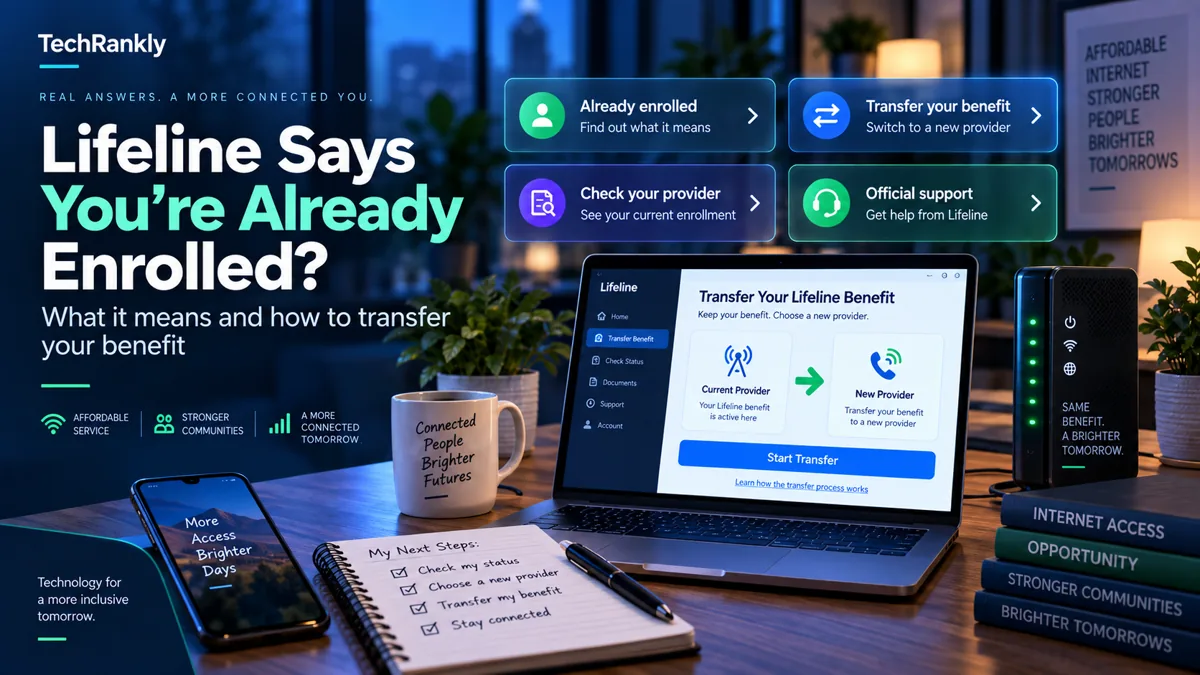
USAC’s current National Verifier guidance explains that the “already enrolled in Lifeline” status means the consumer is already receiving Lifeline. It can appear when a new provider checks eligibility and the system finds an active Lifeline enrollment with another provider.
That is different from being denied for income or program eligibility.
| Message or situation | What it usually points to |
|---|---|
| Already enrolled in Lifeline | An active Lifeline benefit already exists for the consumer. |
| You want to keep the current provider | No transfer is needed. |
| You want to move Lifeline to a new provider | The new provider can initiate a benefit transfer after obtaining your consent. |
| You do not recognize the existing enrollment | Contact Lifeline Support and investigate before authorizing a transfer. |
| A new application also needs eligibility confirmation | Follow the National Verifier steps requested by USAC/provider. |
You cannot receive multiple Lifeline benefits at the same time
Lifeline is limited to one benefit per household under program rules. A transfer is not a way to keep two discounted services at once. It moves the benefit from the previous provider to the new provider.
USAC says the consumer must acknowledge that, once the transfer is complete, the Lifeline benefit with the former provider will be lost.
How a Lifeline benefit transfer works
USAC’s published process is provider-driven. In simplified form:
- You choose a new Lifeline provider.
- The provider confirms your eligibility status.
- You request the transfer and give affirmative consent.
- The new provider initiates the transfer in the National Lifeline Accountability Database (NLAD).
- If successful, NLAD de-enrolls you from the former provider and enrolls you with the new provider.
- Both providers are notified of the change.
You should not need a random third-party website to perform this database transfer. Work with the participating provider you actually want to use.
What consent are you giving?
USAC requires the new provider to obtain consent before initiating the transfer. The consent includes acknowledgment that:
- the old Lifeline benefit will end when the transfer completes;
- you cannot receive multiple Lifeline benefits with the same or different providers at the same time;
- the new provider has explained the transfer.
Read the transfer consent before agreeing. A legitimate provider should not hide the fact that your previous Lifeline enrollment will be replaced.
What if you did not know you were already enrolled?
Do not immediately authorize a transfer if the existing enrollment is unfamiliar.
First consider whether:
- you previously enrolled with another wireless or internet provider;
- another household member handled the Lifeline enrollment;
- you recently changed providers and the prior enrollment is still reflected in the system;
- the enrollment genuinely appears to be unknown or unauthorized.
If you cannot explain the existing benefit, contact the Lifeline Support Center before sharing additional personal information with a new provider.
What if you changed providers recently?
USAC’s systems are designed to move the active benefit during a transfer. If the new provider reports that the transfer failed, ask for the exact error message.
USAC says failed transfers return error codes and messages explaining the reason. The consumer remains active under the previous provider if the transfer does not succeed.
Do you need a new Lifeline application?
In some transfer workflows, a new application or re-confirmation of eligibility may be needed so the system has a current eligibility decision. USAC’s guidance for providers says the National Verifier can return the existing enrollment status while eligibility is reconfirmed.
Follow the instructions from the National Verifier and the participating provider rather than assuming the “already enrolled” message itself is an error.
What if the old provider is no longer useful to you?
If you legitimately want to move the Lifeline benefit, choose the new provider based on actual service availability, network coverage, plan terms and device requirements—not simply because a website promises a “free phone.”
The benefit transfer changes the provider receiving your Lifeline support. It does not guarantee that every advertised device, plan feature or promotion is available at your address.
When to call Lifeline Support
Contact the Lifeline Support Center when:
- you do not recognize the existing enrollment;
- two providers give you conflicting information;
- a transfer repeatedly fails;
- you cannot access your National Verifier information;
- the status does not match your actual provider history.
USAC publishes the Lifeline Support Center number as (800) 234-9473.
Before you authorize a transfer, verify the situation
An “already enrolled” message is a reason to investigate the existing benefit, not a reason to provide sensitive information to an unfamiliar website. The safest approach is to identify the provider currently associated with the benefit and decide whether you actually want to transfer it.
| Situation | Safer next step |
|---|---|
| You recognize the current provider | Compare the new provider’s service and ask about the official transfer process |
| You do not recognize the enrollment | Contact official Lifeline Support before authorizing a transfer |
| A provider asks for extra documents | Confirm you are using the official provider or verification channel |
| A transfer fails | Ask the provider for the exact error message and follow USAC guidance |
Do not give a blog your Social Security number, benefit documents, passwords, or account recovery codes. TechRankly is an informational publication; it does not enroll consumers in Lifeline or operate the National Verifier.
Official Lifeline resources
Open the official Lifeline Support website →
For a transfer, work with the participating provider you want to move to. Do not enter Social Security numbers, benefit documents or other sensitive information into a blog’s contact form.
Common questions
Does “already enrolled” mean I am ineligible?
Not necessarily. USAC uses that status when a consumer is already receiving Lifeline. If you want a different provider, the benefit can be transferred through the official process.
Can I keep Lifeline with two providers?
No. USAC’s transfer rules require acknowledgment that you cannot have multiple Lifeline benefits at the same time.
Who starts the transfer?
The new service provider initiates the transfer in NLAD after obtaining the consumer’s consent.
What happens if the transfer fails?
USAC says the consumer remains active with the previous provider, and the new provider receives an error message explaining the failure.