Explore TechRankly
Networking
More reliable connections for work and everyday life. Diagnose Wi-Fi problems and choose upgrades that solve the right problem.
Networking
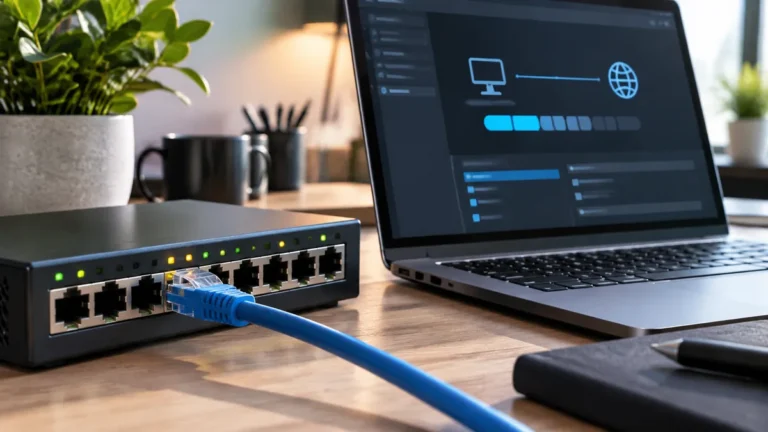
Is your wired Ethernet stuck at 94–100 Mbps while your Wi-Fi hits 500 Mbps? Diagnose damaged RJ45 pins, Speed & Duplex negotiation, Energy-Efficient…
6 min read · TechRankly Editorial
Networking
Wi-Fi 7 is faster on paper, but a home office benefits most when both the router and client devices can use its new…
4 min read · TechRankly Editorial
Networking
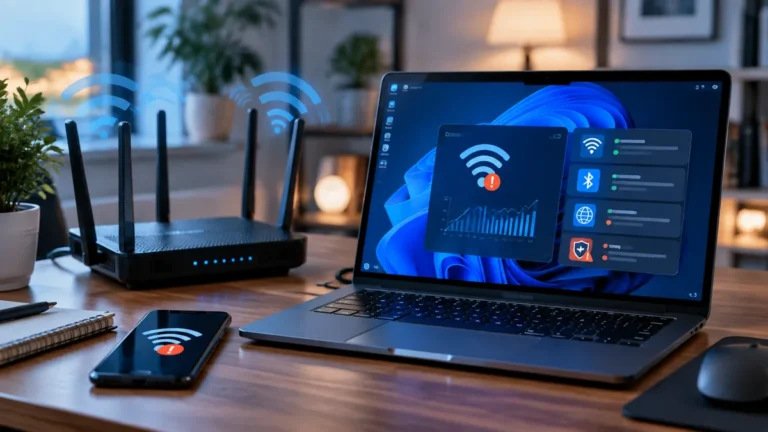
Wi-Fi says connected but no internet, or video calls freeze? Test router latency, DNS, band steering, DFS channels and adapter power settings.
5 min read · TechRankly Editorial
AI & Software
Wi-Fi, Ethernet or VPN failing after Windows 11 KB5127648? Check MS-CHAPv2 authentication, drivers and network settings before removing a security update.
4 min read · TechRankly Editorial
Networking
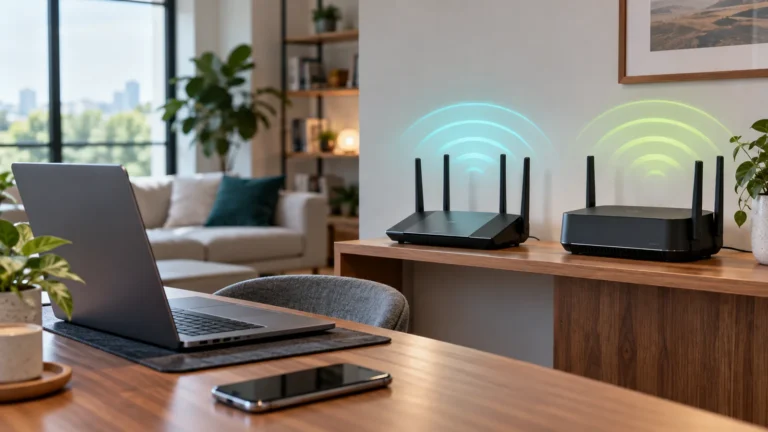
Wi-Fi 6E already adds the 6 GHz band. Wi-Fi 7 adds wider channels and MLO, but the upgrade only pays off for the…
5 min read · TechRankly Editorial
Networking
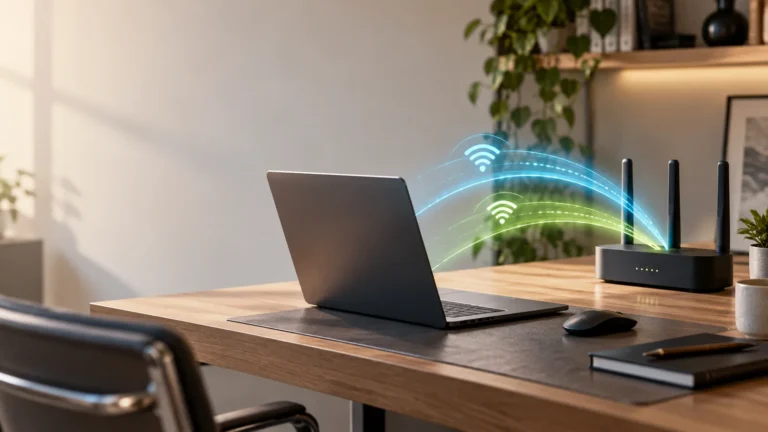
Wi-Fi 7 MLO can use more than one wireless link, but the real benefit depends on your router, client device, bands, and internet…
6 min read · TechRankly Editorial

Networking
Wiring mesh nodes can improve stability and reduce competition for wireless airtime, but the payoff depends on your home, node placement, and Ethernet…
5 min read · TechRankly Editorial
Networking
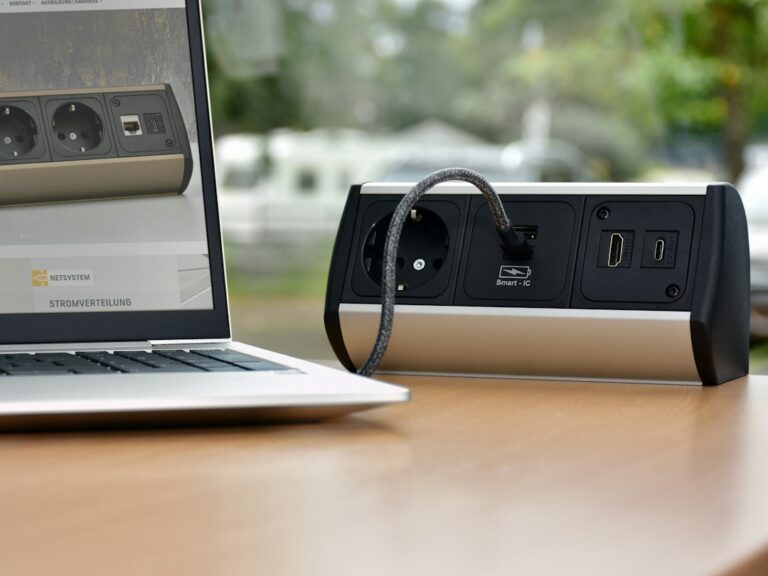
USB-C dock Ethernet not working in Windows 11? Use Device Manager, link lights, direct tests, drivers, firmware, IP checks, and network reset in…
6 min read · TechRankly Editorial
Networking
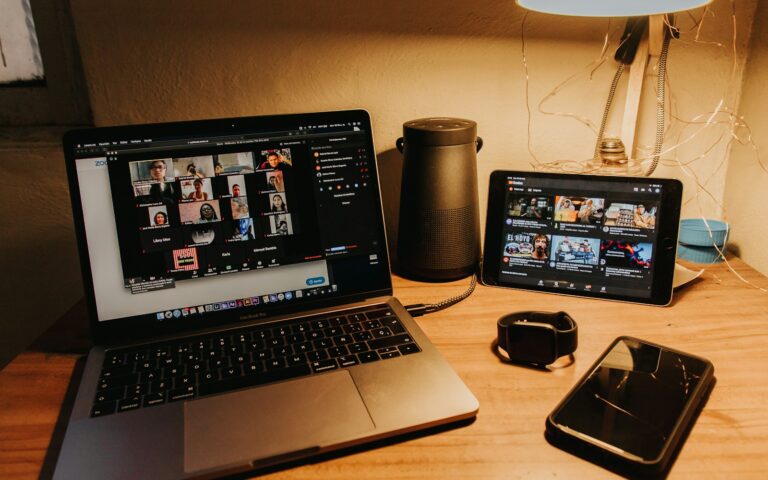
Use a direct-connection comparison and a short observation log to separate Wi-Fi trouble from internet, computer, and meeting-app problems.
5 min read · TechRankly Editorial

Networking
Choose a coverage upgrade by the path back to your router, the rooms you need to serve, and whether Ethernet is available.
6 min read · TechRankly Editorial