Storage & Backup
Why Your NVMe or External SSD Slows Down During Large File Transfers (SLC Cache vs. Thermal Throttling)
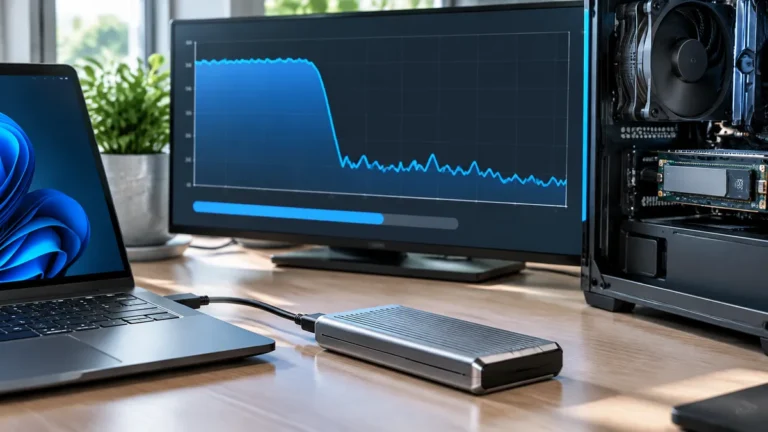
Does your NVMe or external SSD start copying at 900 MB/s and suddenly drop to 40 MB/s or 0 MB/s? Understand SLC cache…
Explore TechRankly
Choose storage for your workload and protect your files. External SSD guides, format comparisons, and practical backup planning.
Storage & Backup
Does your NVMe or external SSD start copying at 900 MB/s and suddenly drop to 40 MB/s or 0 MB/s? Understand SLC cache…
Storage & Backup
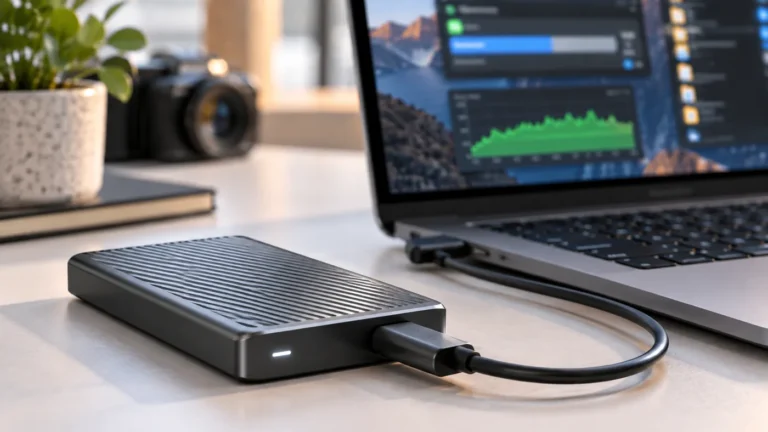
The 10Gbps label describes the link, not a guaranteed file-transfer rate. A fast external SSD can be limited by the host port, cable,…
Storage & Backup
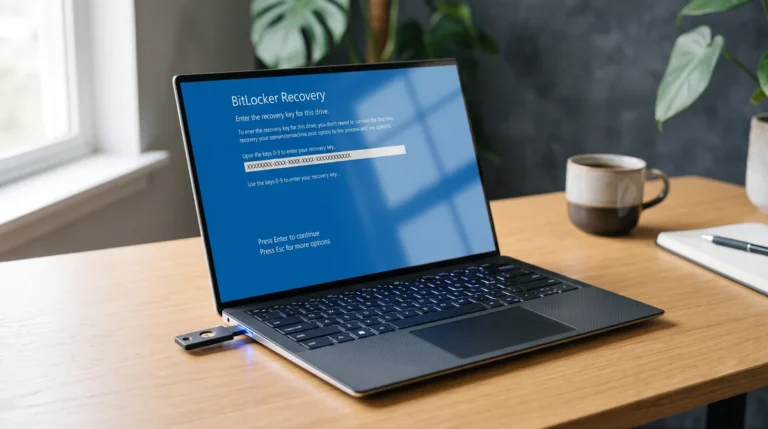
Locked out by a blue BitLocker recovery screen after a Windows 11 update or BIOS change? Find your 48-digit key and stop repeated…
Storage & Backup
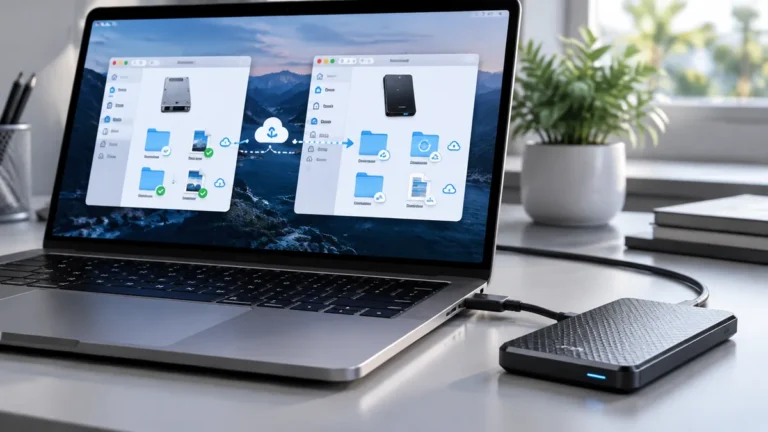
Fix OneDrive’s “folder can’t be found” or stuck sync on an external Mac SSD. Check APFS, FileVault, permissions, mount paths and safe relinking.
Storage & Backup
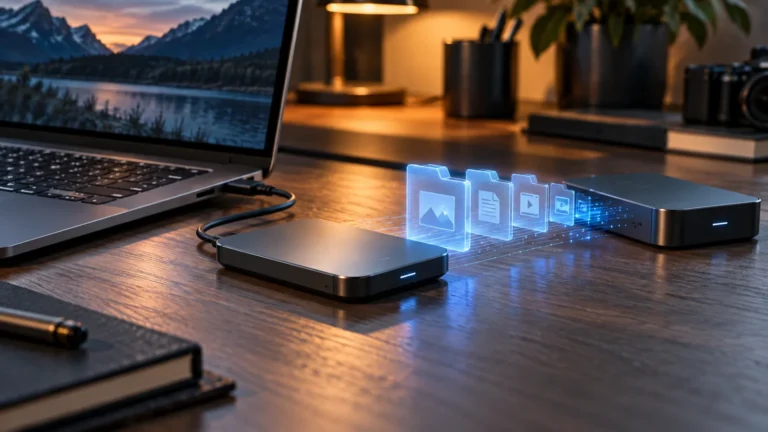
Match the drive to your computer, workload, capacity needs, and backup plan before comparing headline transfer rates.
Storage & Backup
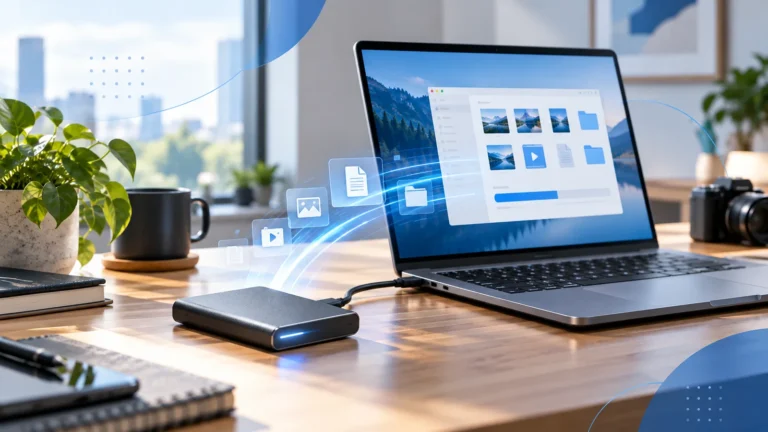
Check the connection, file workload, source drive, and background activity before replacing your portable SSD.
Storage & Backup
Choose a format based on the computers and backup software that need to use the drive, with a checklist before erasing anything.

Storage & Backup
Use synchronization for access and collaboration, then verify that a separate recovery process can restore deleted or damaged files.
Storage & Backup
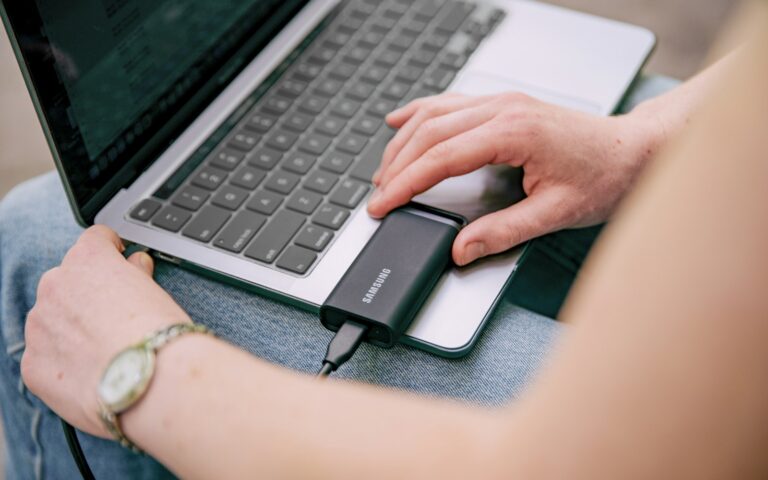
Use your current files, expected growth, and a planning reserve to compare capacities instead of guessing from a product label.