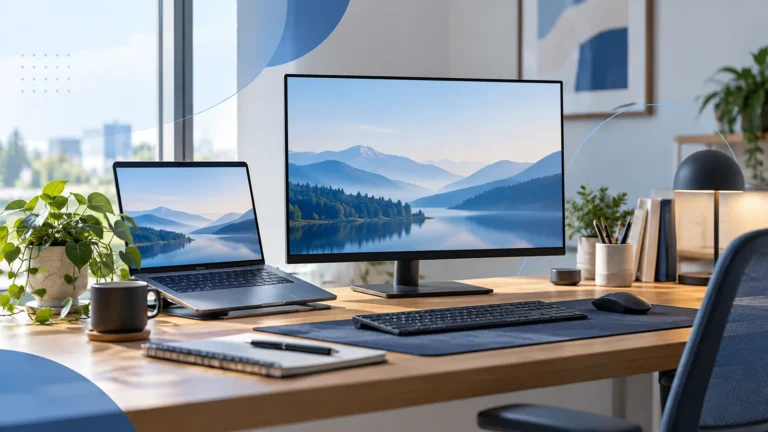
Home Office
A Practical USB-C Setup Guide for Your Home Office
Plan a desk setup around your laptop’s actual capabilities, with a simple checklist for displays, power, storage, and networking.
Explore TechRankly
Build a desk setup that works together. Practical guidance on USB-C, docks, displays, chargers, and everyday compatibility.
Home Office
Plan a desk setup around your laptop’s actual capabilities, with a simple checklist for displays, power, storage, and networking.
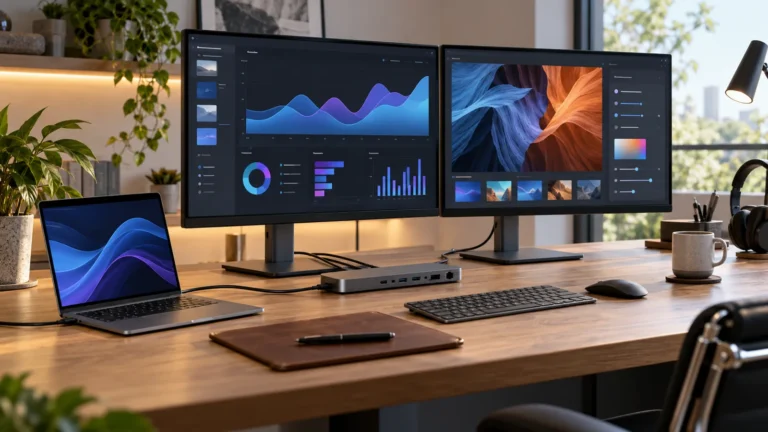
Home Office
Understand the difference between native display support, lid-closed configurations, and software-driven display adapters.
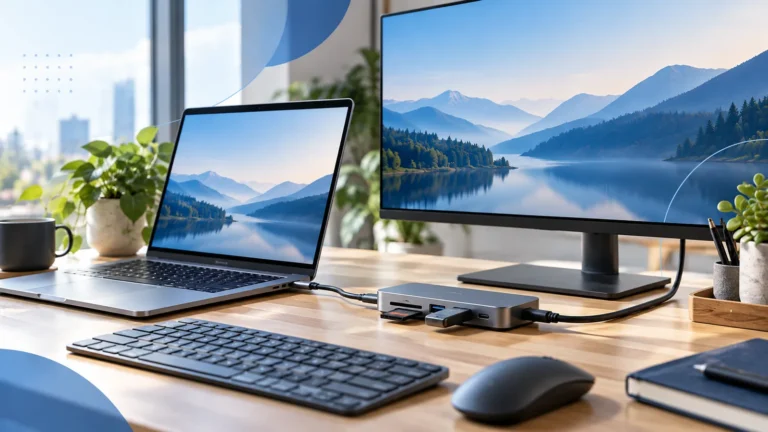
Home Office
Choose between a portable hub, a powered dock, and a monitor with built-in connections using your actual daily workflow.
Home Office
Trace the display path from laptop to monitor and identify which component or setting limits the refresh rate.
Home Office
Separate charger capacity, hub pass-through output, cable capability, and the laptop’s own charging behavior.