Affiliate disclosure: As an Amazon Associate I earn from qualifying purchases. Some links below are affiliate links. See our affiliate disclosure.
Planning guide researched September 16, 2026; not a hands-on comparison. Dollar amounts below are spending limits, not advertised product prices or a live shopping cart. Check the current total, including tax and shipping, before ordering.
Use a $300 budget to make one camera position and one voice position work consistently. This plan is for an existing computer, display and headphones. It does not include a new PC, a room renovation, an XLR interface or a separate-console capture system.
Start with the picture you intend to show
A small facecam overlay and a full-screen talking segment expose different shortcomings. Build both scenes before shopping. If your existing camera looks acceptable in the final layout, keep it and improve the lighting or microphone position that actually needs attention.
The Kai Cenat event-kit analysis separates camera, voice, lighting and controls as different jobs. This smaller budget funds the first three without assuming you need a button controller.
Keep the entire checkout inside $300
| Budget line | Maximum allocation | Purpose |
|---|---|---|
| Microphone | $80 | A replacement only when the current voice recording needs one. |
| Webcam | $80 | One camera, not a second optional model added to the total. |
| Dedicated face light | $80 | Use existing room lighting if this purchase is unnecessary. |
| Placement or missing cable | $20 | Inspect the supplied mounts and cables first. |
| Tax, shipping and reserve | $40 | Leave room for the actual checkout total. |
These limits total $300. They are not a promise that a retailer currently offers each named product at the corresponding amount. If a component costs more, defer it or reuse something you own; do not quietly consume the checkout reserve.
A modest camera plus controllable light
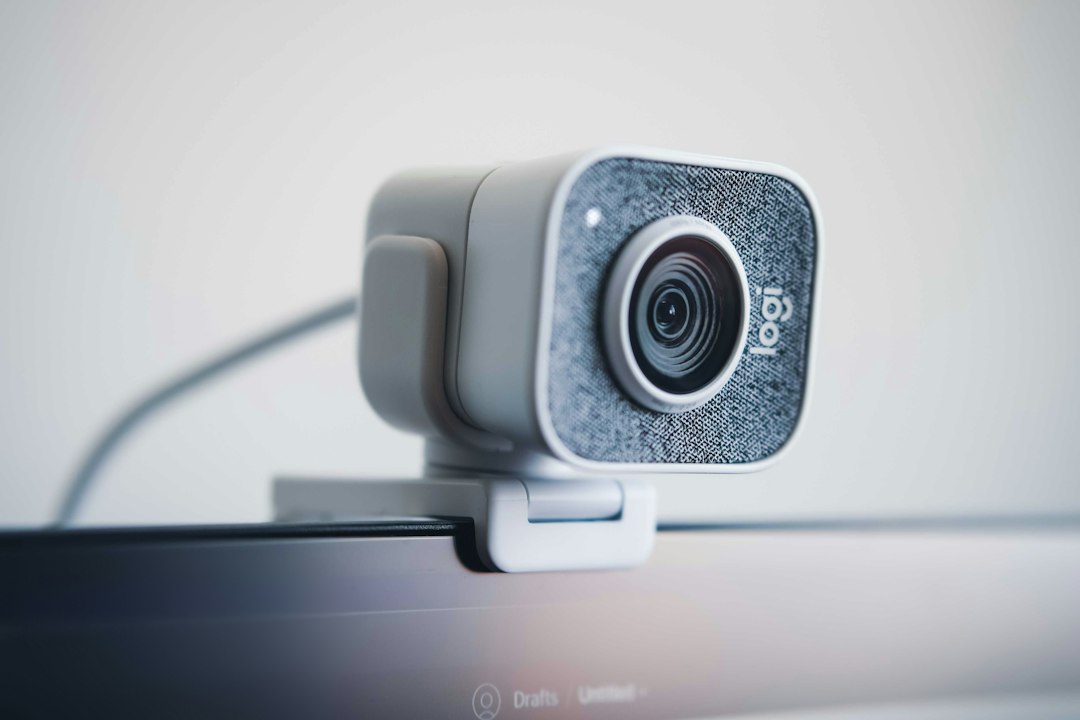
The Logitech C920x is the webcam candidate. Check availability on Amazon. Its Full HD mode is limited to 30 fps, so choose a different plan if 60-fps facecam capture is a real requirement. For normal seated commentary, first judge the image at the size viewers will see.
The Logitech Litra Glow is a compact USB-powered light candidate for the face position. Check availability on Amazon. See Logitech’s product documentation for placement and power requirements. It is not a whole-room lighting kit. One light can still leave a distracting reflection in glasses or on a nearby screen, so position it deliberately.
Use a repeatable lighting experiment
Record a short clip with your current light, then another after changing only the light’s location. Keep the camera and scene the same. Look for an adequately visible face, comfortable brightness and reflections. Do not assume maximum brightness is the best setting.
Choose the microphone around its position
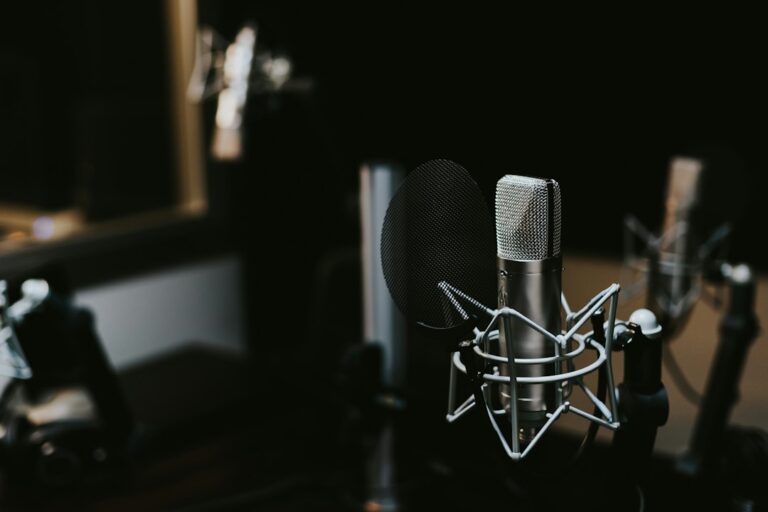
The Samson Q2U is an option for one person speaking close to a mic. Check availability on Amazon. The lower-cost alternative is an existing headset that already passes the recording test. If the desk cannot accommodate a comfortable mic position within the placement allowance, keep that headset instead of ordering an unusable package.
Before recording, use the OBS quick-start instructions to select the intended audio source. Listen to an exported test rather than assuming that seeing a moving meter proves the mix is correct.
Where not to spend the extra $100
Compared with the $200 starter plan, the extra allocation is mainly for light and a more forgiving reserve. It is not a reason to buy a second microphone, decorative lighting or a capture card you do not need.
Check the hub versus dock guide before routing every device through one adapter. Put the webcam on a reliable port and test the full arrangement with your regular keyboard, audio and storage attached.
When this plan stops fitting
If you need to ingest a separate console, use the $500 console plan. If the camera regularly fills the screen and a higher-frame-rate webcam is justified, compare the $750 desk plan. Otherwise, keep the setup simple and retain money that does not solve a visible or audible problem.