Affiliate disclosure: As an Amazon Associate I earn from qualifying purchases. Some links below are affiliate links. See our affiliate disclosure.
Planning guide researched September 16, 2026; not a hands-on comparison. Dollar amounts below are spending limits, not advertised product prices or a live shopping cart. Check the current total, including tax and shipping, before ordering.
A $1,000 accessories budget can support a more complete production chain, but it is not a complete new streaming computer build. This plan assumes you already own a capable computer, console or HDMI source, display and headphones. If those are missing, rebuild the budget around them before buying any accessory here.
What this budget adds to the smaller plans
The purpose is to combine jobs that the smaller guides keep separate: ingesting a console, showing a facecam and retaining recordings. It does not promise better content or a particular performance score. If you only need one of those jobs, spend less.
| Budget line | Maximum allocation | Purpose |
|---|---|---|
| HDMI capture | $200 | For a separate supported source, not automatically for a single-PC stream. |
| Webcam | $180 | An upgrade only when the camera role warrants it. |
| Microphone | $80 | Use an existing clear mic where possible. |
| Face light | $80 | One controlled position. |
| External storage | $220 | Confirm the recording capacity first. |
| Mounts and necessary cables | $60 | Budget the complete connection path. |
| Tax, shipping and reserve | $180 | Keep room for checkout and discovered compatibility needs. |
The allocation totals $1,000. The amounts are ceilings, not live prices. Do not spend the reserve on decorative accessories just to reach the headline number. If a required component exceeds its limit, defer an optional camera or storage upgrade and recalculate.
Capture and camera need separate connections
The Elgato HD60 X is the HDMI capture candidate. Check availability on Amazon. Its official mode and host requirements must match your source and computer. Passthrough and captured output are different specifications; do not choose it on a single large resolution number.
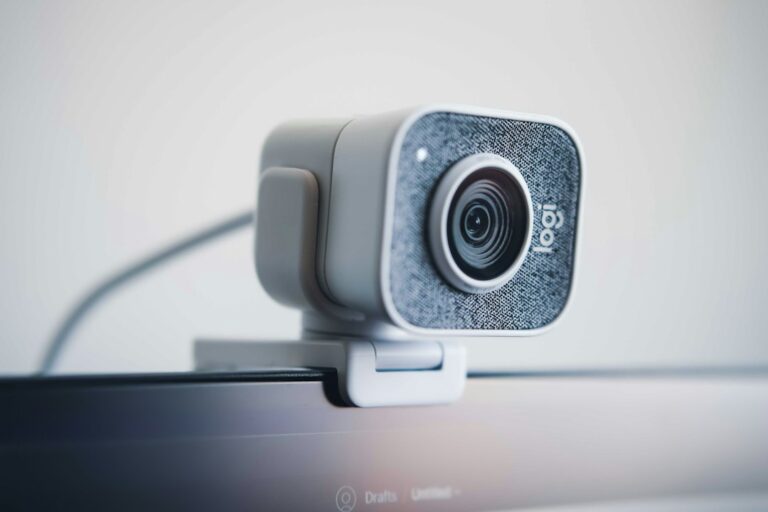
The Elgato Facecam MK.2 is the webcam candidate. Check availability on Amazon. It supports Full HD at 60 fps rather than 4K. A separate microphone remains a budget line in this plan. Check the exact model’s documentation before assuming that a similarly named Facecam listing is interchangeable.
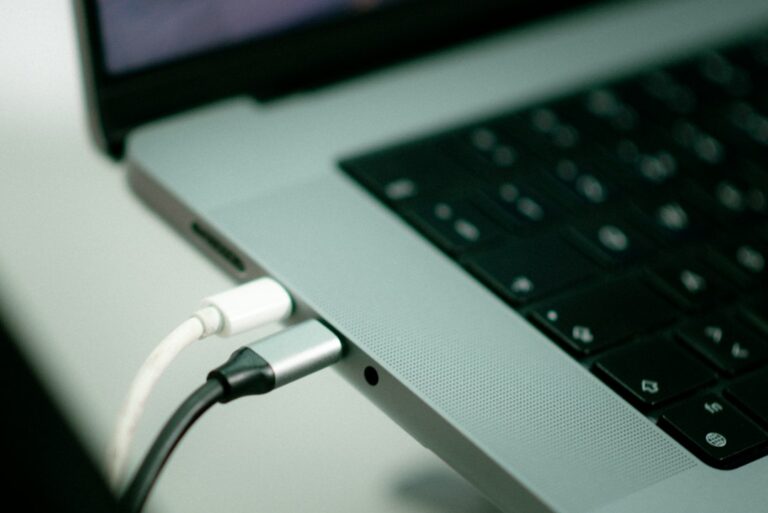
Inventory your ports with the USB-C desk checklist. A hub adds sockets, but it does not create unlimited host bandwidth. Test capture and the webcam together before introducing external recording storage.
Spend deliberately on the voice position
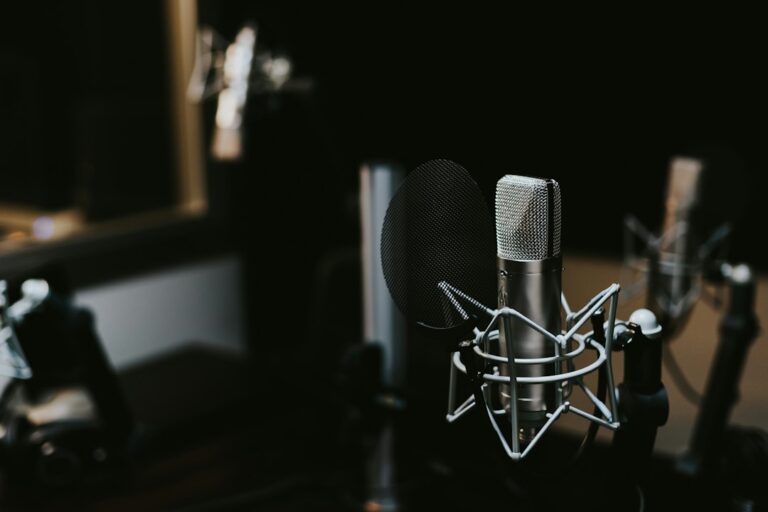
The Samson Q2U is the close-speech microphone candidate. Check availability on Amazon. Keep an existing microphone if it already records clearly. This budget is not an excuse to buy an interface, mixer or extra microphone without a routing need.
Use the light allowance for the camera position if existing lighting fails the test. The $300 facecam guide discusses the compact Litra Glow candidate; it is not included here as a second hidden lighting purchase.
Recordings need a capacity and backup plan
The Samsung T7 1TB is the external-storage candidate. Check availability on Amazon. Check the exact 1TB variant and the current checkout cost. Do not buy it if your retained sessions require more capacity or if it exceeds the storage ceiling. Reusing existing free space while you measure a sample is a valid alternative.
The capacity estimator helps plan retention; the backup guide explains why one working copy is not protection against losing that drive. Storage does not fix a capture or network fault.
Test the complete show, not one device at a time
Use the OBS setup instructions to build the intended scene. Record the console, camera and microphone to the planned destination. Include a scene change and check permitted party chat separately. Then play the file back from beginning to end of the test.
If it fails, simplify: disconnect optional peripherals and add them back one at a time. Do not buy another dock or computer until the source of the failure is identified. For the simpler HDMI-only route, use the $500 console plan.
When to keep the money
If your existing setup already produces a clean recording and stable stream, leave the remaining budget untouched. The three-budget comparison helps decide which new job a purchase would actually unlock.