Affiliate disclosure: As an Amazon Associate I earn from qualifying purchases. Some links below are affiliate links. See our affiliate disclosure.
Planning guide researched September 16, 2026; not a hands-on comparison. Dollar amounts below are spending limits, not advertised product prices or a live shopping cart. Check the current total, including tax and shipping, before ordering.
This plan is for an existing computer and a show where the camera view or saved recording matters enough to justify upgrades. It does not include a new PC, monitor, headphones or an HDMI console-capture chain. A small occasional facecam may need only the $300 plan.
Spend on the output you actually keep
Before ordering, identify the final deliverable: a live conversation, a full-screen tutorial, an edited recording or a small game overlay. Then make a sample using current gear. A larger budget should solve limitations in that sample, not create a requirement to replace everything.
The $750 ceiling
| Budget line | Maximum allocation | Purpose |
|---|---|---|
| Webcam upgrade | $180 | For a camera role that justifies the upgrade. |
| Microphone | $80 | Keep an existing clear mic if it already works. |
| Face light | $80 | One deliberate light, not a whole-room kit. |
| External recording storage | $220 | Only after checking actual capacity needs. |
| Supports and cables | $60 | Prioritize stable placement and the required connections. |
| Tax, shipping and reserve | $130 | Leave it unspent unless the checkout or a real need requires it. |
These are maximum allocations totaling $750. They do not state current product prices. If the named storage or camera exceeds its ceiling, keep existing hardware or defer that upgrade. Do not remove the reserve without recalculating the complete checkout.
Choose a camera for the scene
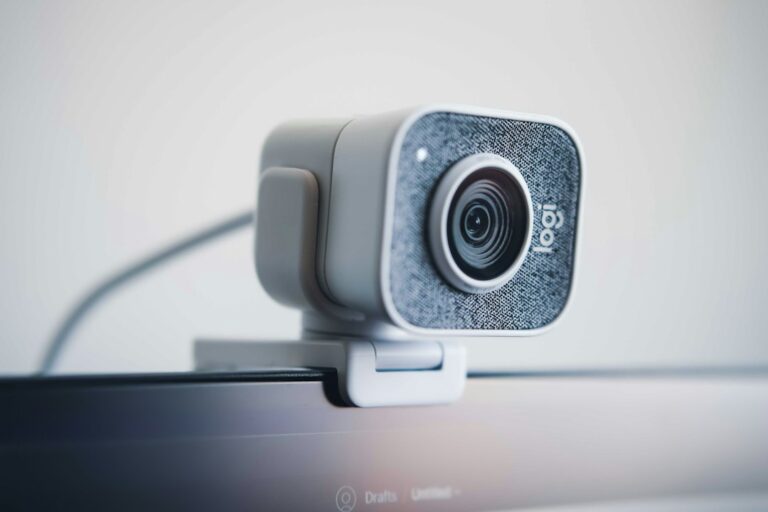
The Elgato Facecam MK.2 is the camera candidate, with documented 1080p/60-fps capture. Check availability on Amazon. Read Elgato’s Facecam documentation for host and software requirements. This is not a 4K camera, and a supported capture mode does not guarantee the same result through every USB adapter.
If your final output uses a small 30-fps camera view, reuse a working webcam instead. Do not assume that the entire stream must change frame rate simply because the camera supports another mode. Check the saved result and the needs of your intended format.
Light and sound should survive a normal session
The Logitech Litra Glow is a compact light candidate. Check availability on Amazon. It serves the face position, not an entire studio. Check Logitech’s mounting and power details, then test for reflections and discomfort over the length of a normal session.
Keep a clear existing microphone. If you need a replacement, the close-speech option discussed in the $200 microphone plan uses the $80 allowance without assuming a separate interface. The RE20 versus USB workflow discussion explains why a reported creator mic can introduce costs beyond the microphone itself.
Storage is a workflow purchase
The Samsung T7 1TB, model MU-PC1T0T/AM, is a portable storage candidate. Check availability on Amazon. This specific link is for 1TB, not 2TB. It is useful only if your measured recording plan fits the capacity and your computer supports the connection. It is not, by itself, a backup.
Save a representative test, inspect its file size and estimate retention before choosing capacity. Use the storage calculator and distinguish sync from backup. Leave headroom rather than filling the recording destination to its limit.
A repeatable acceptance test
- Follow the OBS quick-start process and set up the actual scenes.
- Record the camera, microphone and normal application together.
- Save to the intended destination with the normal peripherals connected.
- Play back the exported file, checking speech, picture, scene changes and continuity.
- Repeat after reconnecting the equipment to catch an unreliable start-up routine.
Consult the hub versus dock guide before sharing one adapter among demanding devices. If you also need a separate console, compare the $1,000 combined workflow instead of adding an unbudgeted capture card here.