
Storage & Backup
Cloud Sync vs. Backup: How to Protect Your Work Without Confusing the Two
Use synchronization for access and collaboration, then verify that a separate recovery process can restore deleted or damaged files.
Author Profile
Andrés Moreno is the founder and editor of TechRankly, where he researches and writes practical troubleshooting guides, hardware comparisons, and compatibility advice for home office equipment, Windows, macOS, storage, and networking.
Storage & Backup
Use synchronization for access and collaboration, then verify that a separate recovery process can restore deleted or damaged files.

Storage & Backup
Choose a format based on the computers and backup software that need to use the drive, with a checklist before erasing anything.
Storage & Backup
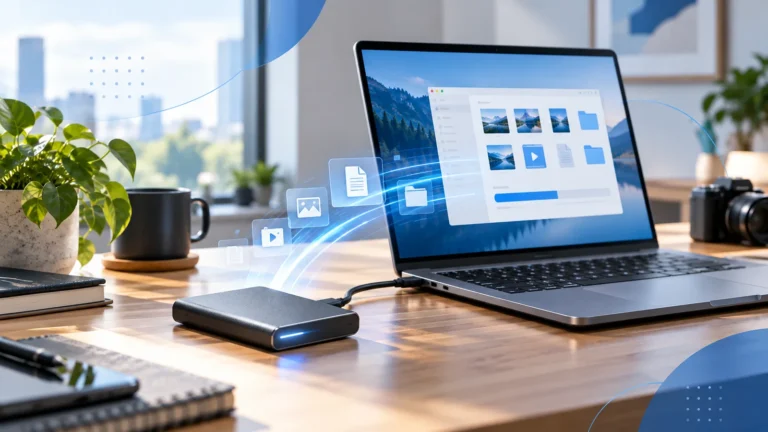
Check the connection, file workload, source drive, and background activity before replacing your portable SSD.
Storage & Backup
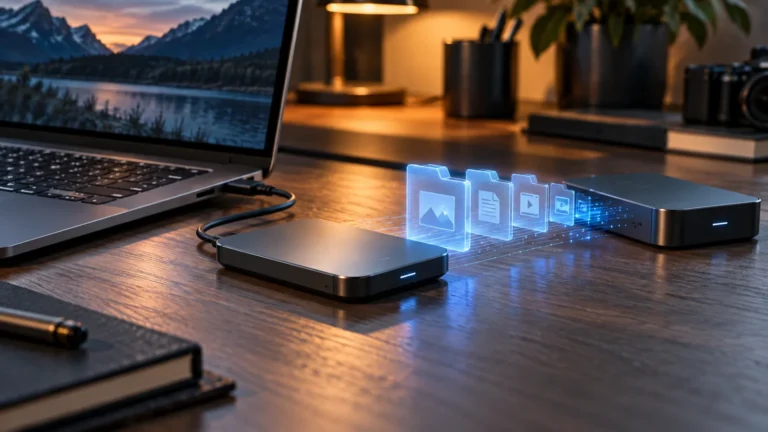
Match the drive to your computer, workload, capacity needs, and backup plan before comparing headline transfer rates.
Home Office
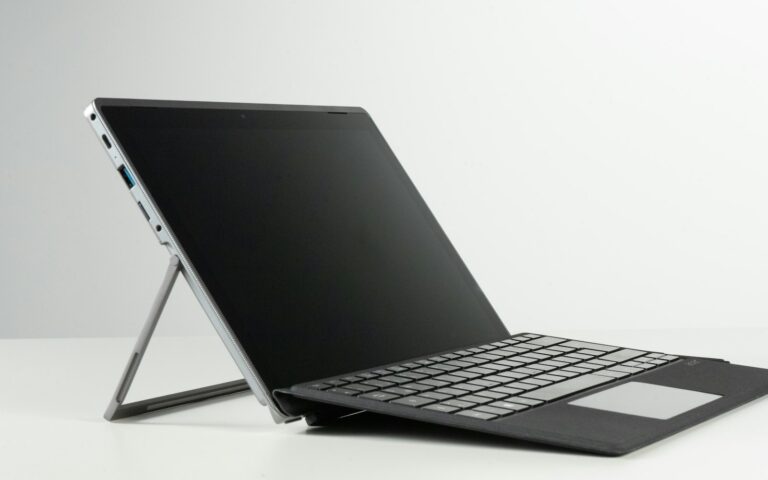
Separate charger capacity, hub pass-through output, cable capability, and the laptop’s own charging behavior.
Home Office
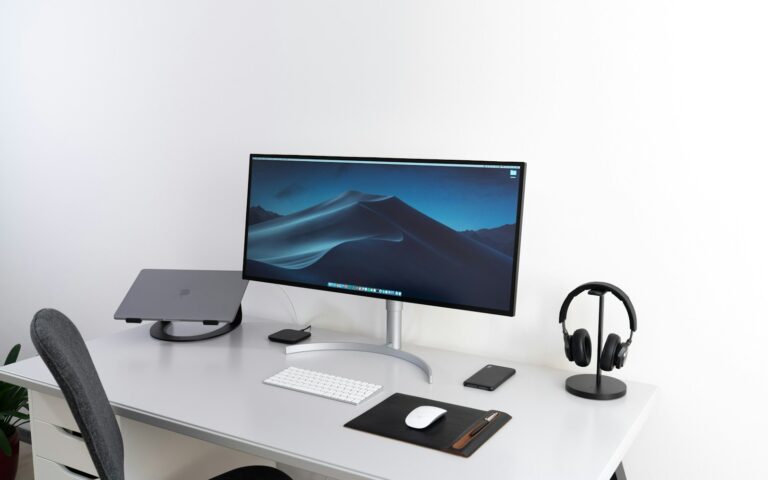
Trace the display path from laptop to monitor and identify which component or setting limits the refresh rate.

Home Office
Choose between a portable hub, a powered dock, and a monitor with built-in connections using your actual daily workflow.

Home Office
Understand the difference between native display support, lid-closed configurations, and software-driven display adapters.

Home Office
Plan a desk setup around your laptop’s actual capabilities, with a simple checklist for displays, power, storage, and networking.